Collect
Route receipts from email, uploads, and ongoing invoice or payment workflows into one intake.
We use cookies to analyze how our site is used. You can accept or reject these — necessary cookies are always on. Privacy Policy.

Norman collects receipts from email, uploads, and live finance workflows, reads the data, and links each document to the right payment context. Instead of catching up before month-end, you only review open issues.
Norman captures receipts from every channel, reads the data, and connects each document to payments, categories, and open issues right away.
Uploads, forwards, and live finance workflows land in one intake instead of scattered folders.
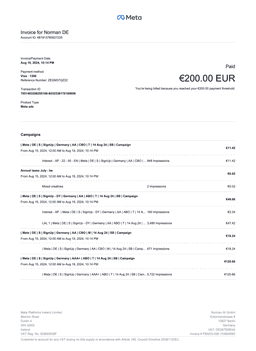
Amount, date, vendor, and tax details get extracted before you need to type anything in.
Norman links transactions to the right documents so bookings, input VAT, and proof do not stay unresolved.
Captured receipts land in the right cost context immediately instead of being sorted retroactively at close.
Missing pages, unclear amounts, and unmatched receipts stay flagged while they are still easy to resolve.
Receipts come in continuously, get read automatically, and land in the right finance workflow.
Route receipts from email, uploads, and ongoing invoice or payment workflows into one intake.
Norman extracts amount, date, vendor, and tax details automatically so you do not need to type them in.
Receipts get linked to payments, categories, and open items so bookkeeping and taxes stay clean.
Norman replaces folders, manual typing, and month-end cleanup with continuous receipt capture inside one workflow.
of PDFs, photos, and email attachments
for amount, date, and vendor
for missing or unclear receipts
Receipt intake, data extraction, and matching stay in one workflow instead of splitting across inboxes, drives, and month-end checklists.
| Inbox + folders manual | |
|---|---|---|
| Capture | Uploads, email, and workflows in one intake | Collect and file receipts by hand |
| Data extraction | Amount, date, and vendor are read immediately | Type and verify fields in a spreadsheet |
| Matching | Linked to the right payment or workflow | Search for the right receipt later |
| Open issues | Missing or unclear receipts stay flagged | Gaps show up only at close |
Start free and unlock tax, team, and automation features when you need them.
Free
Core accounting for free.
/month (excl. VAT)
Klein
For Kleinunternehmer.
/month (excl. VAT)
Pro
For self-employed charging VAT.
/month (excl. VAT)
Start for free and bring invoices, receipts, bookkeeping, and taxes into one workflow.
Start for free